Introduction to SolidOS
Solid empowers users and organizations to separate their data from the applications that use it. It allows people to look at the same data with different apps at the same time. It opens brand new avenues for creativity, problem-solving, and commerce.
SolidOS Databrowser Frontend, which we name SolidOS for simplicity, is your default interface to Solid. It provides all the functionality needed to manage data on Solid—from basic contact management and collaboration to complex research workflows.
What Can You Do with SolidOS?
SolidOS enables you to:
| Feature | Description |
|---|---|
| Manage Contacts | Create and organize address books with contacts and groups |
| Collaborate | Share meetings, chats, and notepads with others |
| Control Access | Set fine-grained permissions on who can see and edit your data |
| View Your Profile | Customize your public profile visible to others |
| Organize Files | Navigate and manage folders and resources in your Pod |
| Schedule Events | Coordinate availability with scheduling polls |
Key Concepts
Pods
A Pod (Personal Online Datastore) is your personal data storage on the web. You control who can access your Pod and what they can do with your data.
WebID
Your WebID is your identity on the decentralized web—a URL that uniquely identifies you (e.g., https://alice.solidcommunity.net/profile/card#me).
Views
SolidOS displays data through different views (also called panes). Each view presents data in a format suited to its type—contacts in an address book view, messages in a chat view, etc.
Accessing Data
To access data stored in a Solid Pod:
- In a web browser, navigate to the Pod URL (e.g.,
https://suser.solidcommunity.net) - You'll see the public data within the Pod:
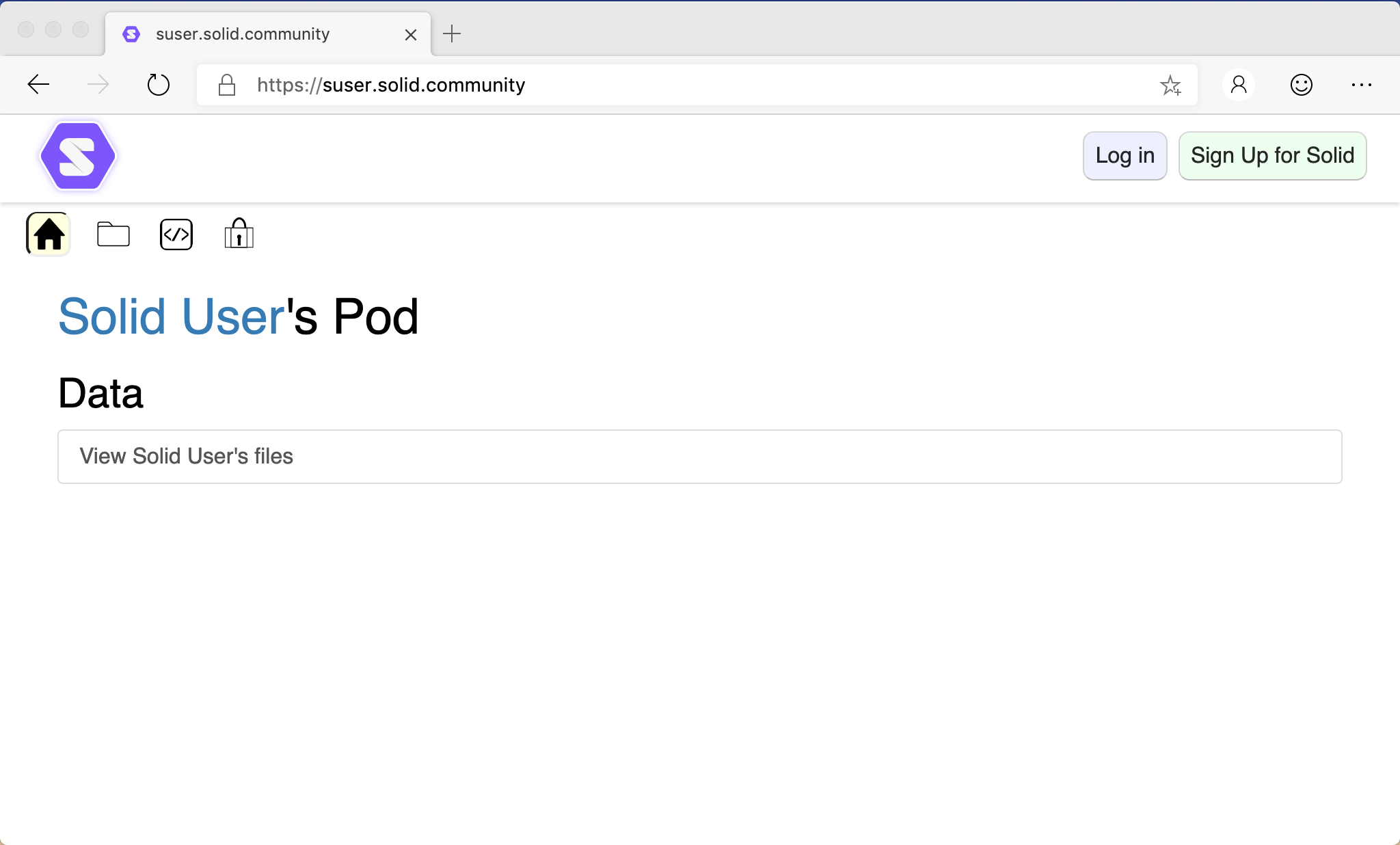
Click the view icons below the header to see different presentations. For example, the Folder view:
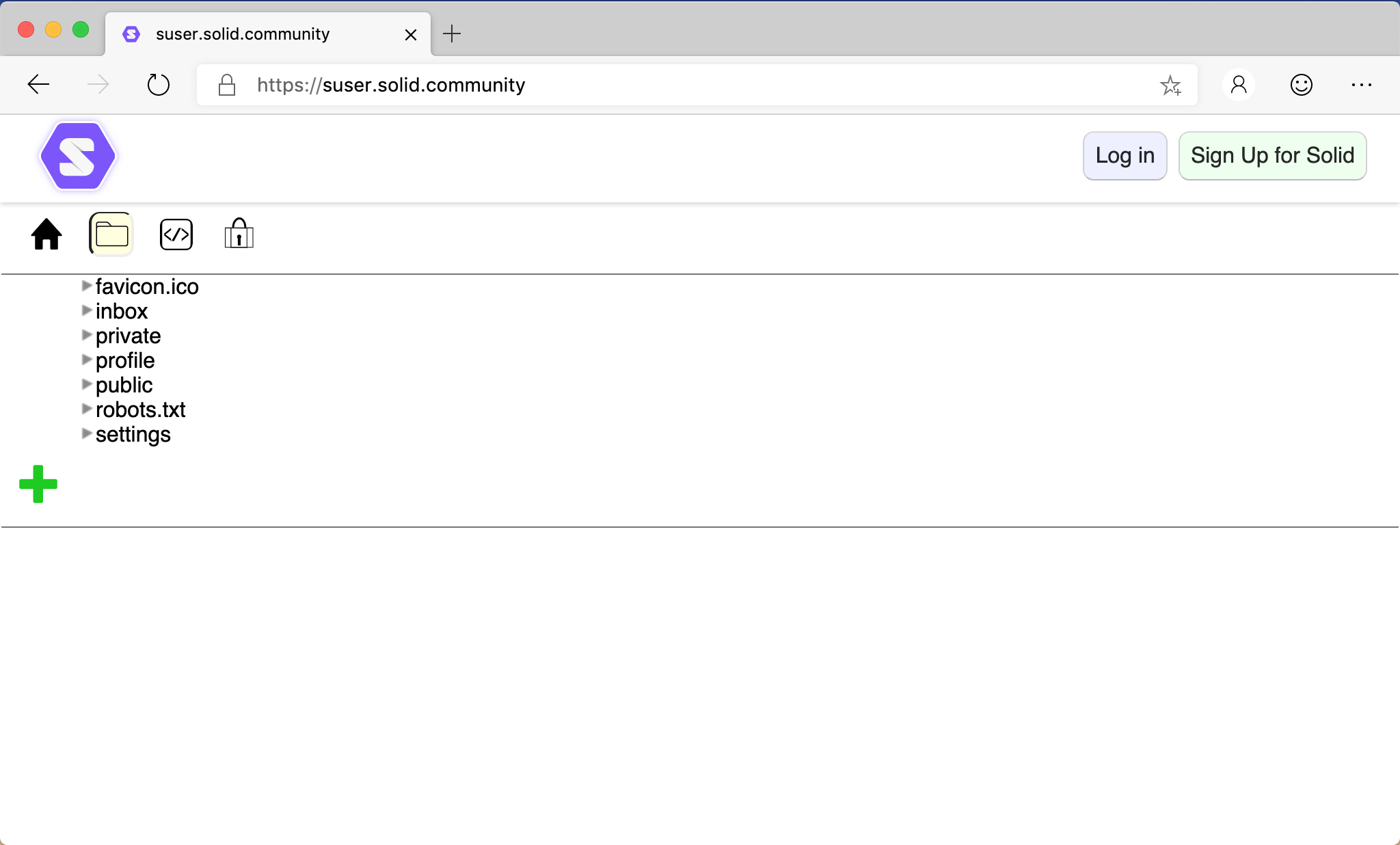
Click the Solid logo in the top-left corner to return to the default Home view.
Public vs. Private Data
- Public data is visible to anyone who visits your Pod URL
- Private data requires logging in and having appropriate permissions
- You control what's public and private via the Sharing view
Getting a Pod
To use SolidOS fully, you need a Solid Pod. You can get one from:
- solidcommunity.net - Community-run Pod provider
- inrupt.net - Hosted by Inrupt
- Self-hosted using Community Solid Server
Next Steps
- Log in to access your private data
- Navigate your Pod's folders and files
- Create data like contacts, chats, and meetings
- When viewing another person's Pod, add their Pod origin as a trusted app in your profile
- To use Developer or Power User features on other Pods, make your preferences file (
/settings/prefs.ttl) world-readable