Log In / Log Out
Authentication in Solid uses your WebID to prove your identity. Once logged in, you can access your private data and any resources others have shared with you.
Log In
To access your data and shared resources:
-
Click the Log in button in the top-right corner
-
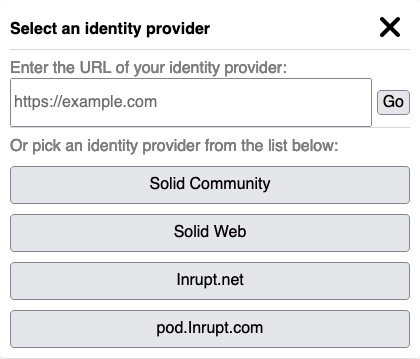
The Select your Identity Provider dialog appears:
-
Choose your identity provider:
- Enter your WebID in the textbox and click Go, or
- Select a provider from the list (e.g., solidcommunity.net, inrupt.net)
-
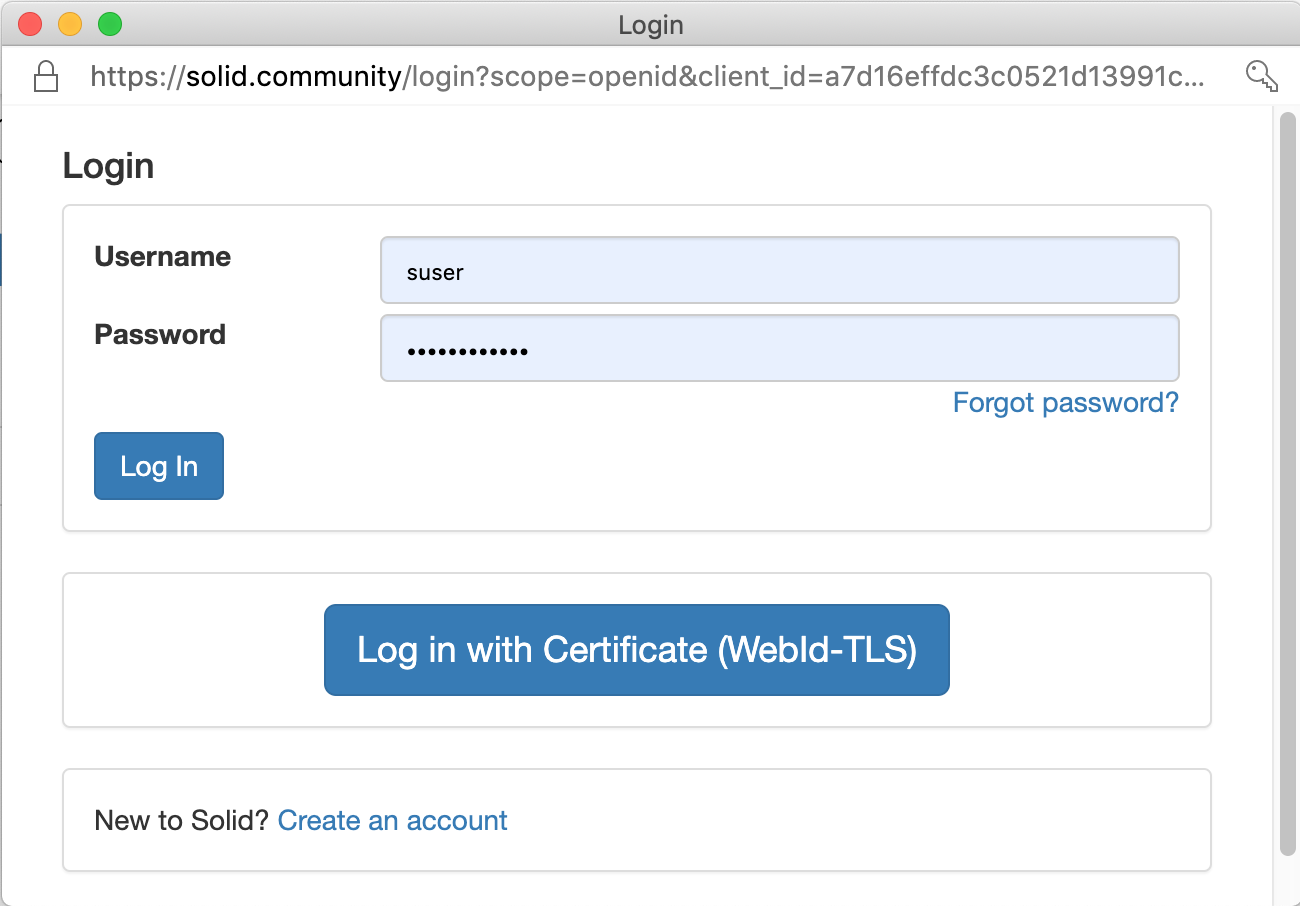
You're redirected to your provider's login page:
 note
noteThe login form varies depending on your Solid server. Some support additional authentication methods like passkeys or social login.
-
Enter your credentials and authorize SolidOS to access your Pod
-
After successful login, your profile image appears in the top-right corner
What Changes After Login
Once logged in, you can:
| Capability | Before Login | After Login |
|---|---|---|
| View public data | Yes | Yes |
| View your private data | No | Yes |
| View shared data | No | Yes |
| Edit your data | No | Yes |
| Create new resources | No | Yes |
| Manage permissions | No | Yes |
Log Out
To log out of your Solid account:
- Click your profile image in the top-right corner
- Select Log out from the dropdown menu
- You're returned to the public view
Log out when using shared or public computers to protect your data.
Session Management
Session Duration
Your login session persists until you:
- Explicitly log out
- Clear your browser cookies
- The session expires (varies by provider)
Multiple Tabs
SolidOS shares your login across browser tabs. Logging out in one tab logs you out everywhere.
Trusted Apps
When you first log in to a SolidOS instance, you may be asked to authorize it as a trusted app. This grants the app permission to access your Pod on your behalf.
To manage trusted apps:
- Log in to your Pod
- Navigate to your profile
- Open Preferences
- Review and modify trusted applications
Troubleshooting
Can't Log In
| Problem | Solution |
|---|---|
| "Identity provider not responding" | Check your internet connection; try again later |
| "Invalid credentials" | Verify username/password; use password reset if needed |
| "Origin not trusted" | Add the SolidOS origin as a trusted app in your Pod settings |
| Redirect loop | Clear browser cookies and try again |
Access Denied After Login
If you can log in but can't access expected resources:
- Verify you're using the correct WebID
- Check that the resource owner has granted you permission
- Ensure the Pod server is online
Forgotten WebID
Your WebID is typically in the format:
https://[username].[provider]/profile/card#me
For example:
https://alice.solidcommunity.net/profile/card#mehttps://alice.inrupt.net/profile/card#me
Contact your Pod provider if you've forgotten your credentials.