Friends View
The Friends view lets you manage your social connections on the decentralized web. Friends are linked to your profile using the foaf:knows predicate, creating a public social graph that other Solid apps can use.
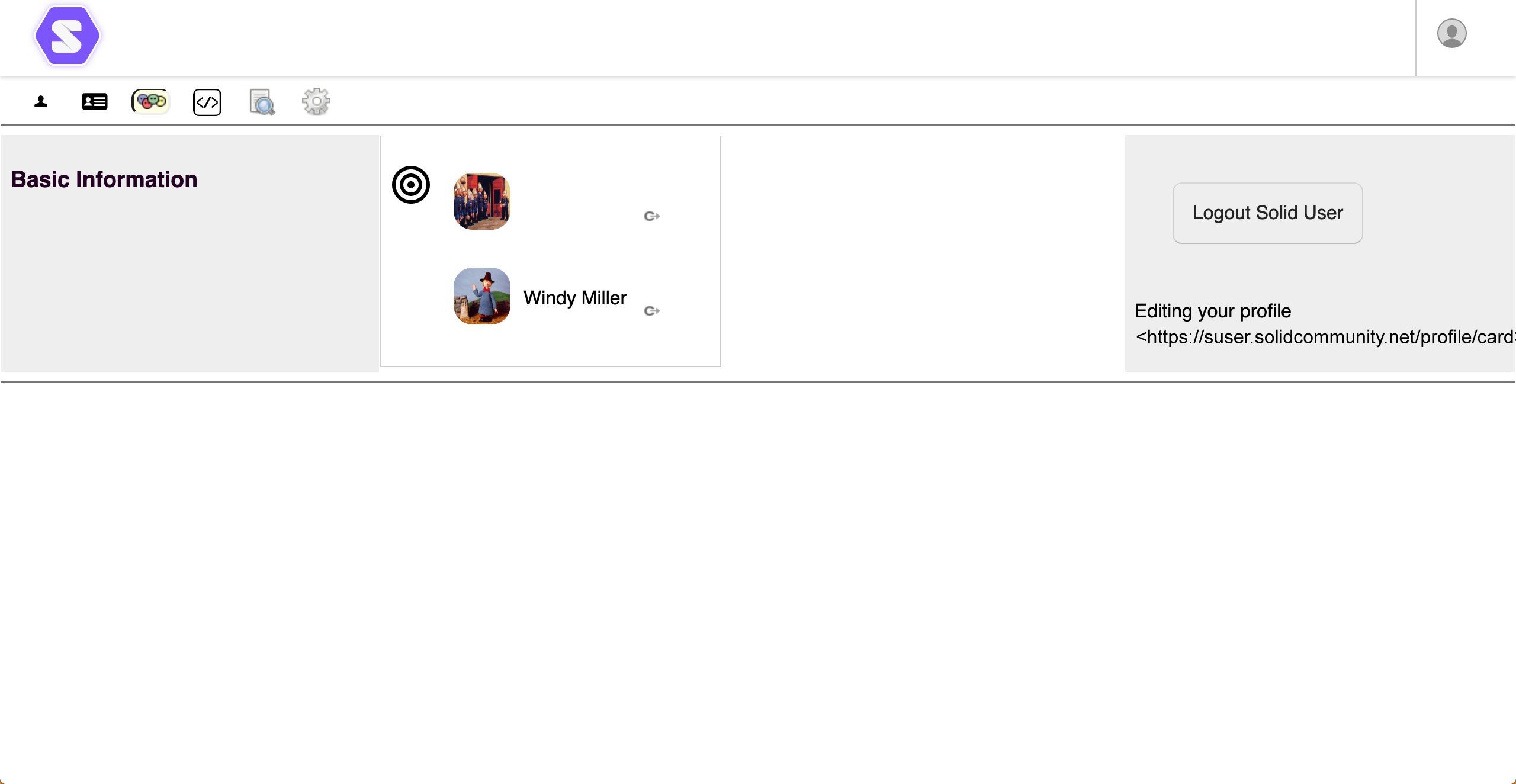
What Are Friends in Solid?
In Solid, "friends" are WebIDs you publicly declare that you know. This information is:
- Public - Visible to anyone viewing your profile
- Decentralized - Stored in your Pod, not on a central server
- Interoperable - Other Solid apps can read your friends list
- Two-way optional - Adding someone as a friend doesn't require their approval
Friends are different from Address Book contacts. Contacts are private and more detailed; friends are a public declaration of connection.
Viewing Your Friends
To display your friends:
- Click your profile image and select Show your profile
- Click the
 Friends icon
The view shows all WebIDs you've added as friends, with their profile images and names.
Viewing a Friend's Profile
To open a friend's public profile:
- Find the friend in your list
- Click the
 Goto This icon next to their name
 - Their profile opens in a new tab
From there, you can:
- View their public information
- See their friends (if public)
- Access any resources they've shared with you
Adding a Friend
To add someone as a friend:
- Open their profile in a new browser tab
- Locate the WebID in the address bar (or copy it from their profile)
- Drag the icon from the address bar onto your Friends list:

- The friend appears in your list if the WebID is valid
Alternative: Add by WebID
You can also add friends by entering their WebID directly:
- Copy the full WebID (e.g.,
https://alice.solidcommunity.net/profile/card#me) - Paste or drag it onto the Friends list
Always use the complete WebID including the fragment identifier (#me or similar). For example:
- Correct:
https://alice.solidcommunity.net/profile/card#me - Incorrect:
https://alice.solidcommunity.net/profile/card
Removing a Friend
To remove someone from your friends list:
- Hover over the icon next to their name
- A
 Remove icon appears
 - Click Remove to delete them from your list
Removing a friend only affects your profile. It doesn't notify them or remove you from their friends list.
Friends vs. Contacts
| Feature | Friends | Contacts |
|---|---|---|
| Visibility | Public | Private |
| Storage | Profile (card#me) | Address Book |
| Detail level | WebID only | Full contact info |
| Purpose | Social graph | Personal directory |
| Vocabulary | foaf:knows | vcard: |
Use Friends for public social connections. Use Address Book for private contact management with detailed information.
Privacy Considerations
Your friends list is publicly visible by default. Consider:
- Anyone can see who you've added as friends
- This creates a social graph that can be analyzed
- Some users prefer to keep their friends list minimal
- For private contact management, use the Address Book
Related Views
- Profile - Your main profile where friends are displayed
- Address Book - Private contact management with groups